
When a product is small, design can feel simple.
There may be only a few screens, a small team and a limited number of features.
But as the product grows, things can quickly become difficult.
New pages are added. New features are introduced. More designers and developers join the team. Different versions of buttons, forms, colours, spacing and components start appearing.
This is where a design system becomes important.
A good design system helps a growing business keep its product clear, consistent and easier to build.
What is a design system?
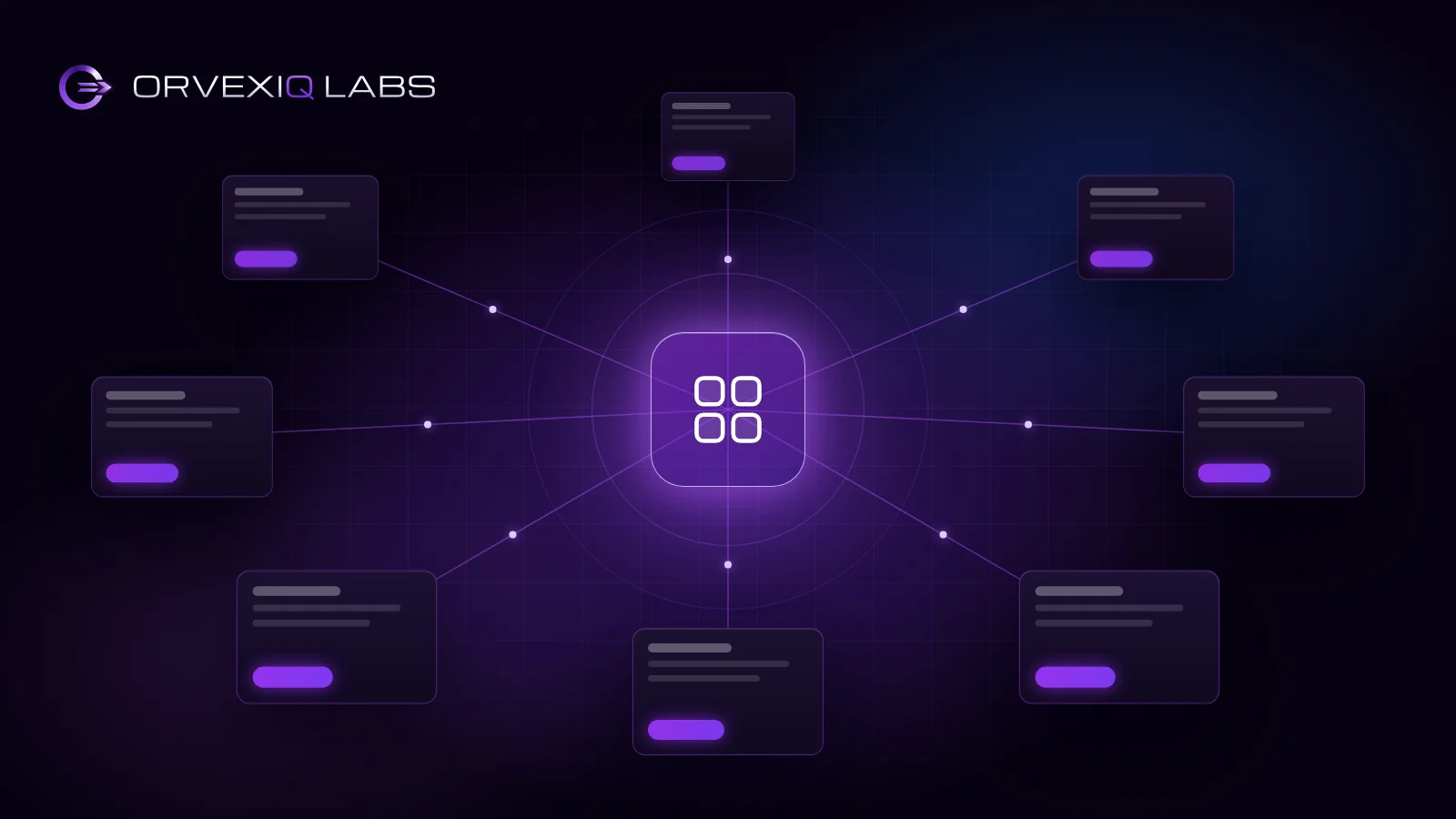
A design system is a shared set of rules, styles and reusable components used to build a digital product.
It can include:
- Colours
- Typography
- Spacing
- Buttons
- Forms
- Cards
- Tables
- Navigation
- Icons
- Design tokens
- UI components
- Usage guidelines
Instead of designing the same element again and again, teams can reuse approved components.
For example, if the product already has a standard primary button, designers do not need to create a new button every time.
Developers can also use the same coded component across different parts of the product.
This creates consistency and saves time.
The problem starts when the product grows
In the early stage, a team can manage the product without a formal system.
But growth changes everything.
Imagine that a product starts with 10 screens.
Later, it grows to 50, 100 or even hundreds of screens.
Without a design system, small differences start appearing.
One page may use one button style.
Another page may use a slightly different button.
One form may have one spacing rule, while another form uses something different.
These differences may look small at first, but over time they create a bigger problem.
The product becomes harder to manage.
1. A design system keeps the product consistent
Consistency helps users understand a product faster.
If buttons, forms, navigation and other elements behave in the same way across the product, users do not need to learn the interface again on every screen.
For example:
If a primary action is always shown with the same button style, users quickly understand what that button means.
If every screen uses a different style, the experience becomes confusing.
A design system gives the team one clear visual and interaction language.
2. Teams can design faster
Without reusable components, designers may spend time rebuilding the same UI again and again.
A design system reduces this repeated work.
Instead of designing a new form from zero, a designer can use existing:
- Input fields
- Dropdowns
- Buttons
- Error states
- Labels
- Form layouts
This gives the designer more time to focus on the real product problem instead of repeating basic UI work.
3. Development becomes more efficient
Design systems are not only useful for designers.
They also help developers.
When reusable UI components are already built, developers can use the same component in different areas of the product.
For example, one button component can support:
- Primary buttons
- Secondary buttons
- Different sizes
- Loading states
- Disabled states
- Icons
Instead of creating a new button every time, the team works with one controlled component.
This can make development faster and reduce unnecessary differences in the final product.
4. Design and development stay aligned
A common problem in product teams is that the design file and the developed product slowly become different.
The designer creates one version.
The developer builds another.
Later, another designer adds a third version.
A structured design system creates a shared reference for both teams.
Designers know which components to use.
Developers know how those components should behave.
This creates a stronger connection between design and code.
5. New team members can work faster
As a company grows, new designers and developers join the product team.
Without clear standards, every new team member has to understand the product by checking old screens and asking many questions.
A design system gives them a clear starting point.
They can quickly understand:
- Which colours to use
- Which components already exist
- How spacing works
- Which patterns are approved
- How different UI states behave
This reduces unnecessary confusion.
6. Product changes become easier
Imagine that your company decides to change the border radius of every button.
If every screen was designed separately, the team may need to update many screens manually.
With a well-managed design system, one component can control that change across multiple screens.
The same principle applies to:
- Colours
- Typography
- Spacing
- Components
- Interaction patterns
A scalable system makes future product changes easier to manage.
7. It helps reduce UI debt
Just like technical debt, products can also build UI debt.
UI debt happens when too many inconsistent design decisions build up over time.
Examples can include:
- Multiple versions of the same component
- Different spacing on similar screens
- Duplicate patterns
- Outdated UI elements
- Inconsistent states
- Different naming systems
The longer this continues, the harder the product becomes to maintain.
A design system helps reduce this problem by creating one shared standard.
When should a business build a design system?
A business does not need to wait until the product becomes huge.
A design system becomes especially useful when:
- The number of product screens is growing
- Multiple designers are working on the same product
- Multiple developers are building the interface
- The same UI elements appear across many screens
- The product has consistency problems
- The company plans to scale the product
- Teams spend too much time rebuilding similar elements
Starting early is usually easier than fixing a large inconsistent product later.
Starting early does not mean starting on day one. With one product and a couple of designers, a shared set of decisions is usually enough. The system earns its cost once several teams are building screens that nobody else reviews.
A design system is more than a UI kit
A UI kit mainly gives you reusable visual elements.
A proper design system goes further.
It can define:
- Design principles
- Tokens
- Components
- Component states
- Interaction patterns
- Accessibility rules
- Naming standards
- Usage guidelines
- Design-to-development workflow
The goal is not only to make screens look similar.
The goal is to create a system that helps the whole product team work more efficiently.
Building for scale
A growing product needs more than good-looking screens.
It needs structure.
The stronger the product becomes, the more important consistency, reusable components and shared rules become.
A scalable design system gives teams a foundation they can continue building on.
It helps designers move faster.
It helps developers reuse reliable components.
It helps users experience a more consistent product.
And it helps the business grow without turning the product into a collection of disconnected screens.
How Orvexiq Labs approaches design systems
At Orvexiq Labs, we treat design systems as part of the product foundation, not as a separate visual exercise.
We start by understanding the product, existing interface patterns, team workflow and future scalability needs.
From there, we structure the system around reusable foundations such as:
- Design tokens
- Typography
- Colour systems
- Spacing
- Grid rules
- Reusable components
- Component states
- Documentation
- Design and development alignment
The goal is to create a system that can support the product as it continues to grow.
Build a stronger product foundation
If your product is growing and your team is starting to face UI inconsistency, repeated design work or difficult handoffs between design and development, a scalable design system can create a stronger foundation.
Orvexiq Labs helps businesses design scalable digital products and the systems behind them.